Real-Time Drawing Ingestion into Virtual Environments Interactive Exhibit
Ok haha, I’m semi-clickbaiting in the fact that I want to talk a bit about the project reasoning and creative effort before going into the actual technical explanation regarding the pipeline of converting physical drawings in real time to virtual assets that can be placed in a digital world. If you’re only curious about how that works, please click here.
Designing a Standout Experience to Maximize Passerby Interaction
For Fall 2023, I was elected as one of the Co-Presidents of the VR Club at the University of Michigan, the Alternate Reality Initiative (ARI)! With this new position came a new challenge: we needed to attract club members for the new school year.
One of the biggest opportunities for all clubs is Festifall, the University’s largest annual student organization and campus involvement fair, where clubs set up booths to showcase their activities. For ARI, it was one of our best opportunities to attract new students and introduce them to VR!
If you know me, you know that I love flashy and novel experiences. When thinking about how ARI could attract attention, I wanted to build a virtual experience that showcased our technical skills and demonstrated the value we could offer in teaching XR development. And so, I teamed up with another ARI leadership member to create a Unity based virtual city called, MIVERSE (Michigan-verse, Nintendo plz spare me).
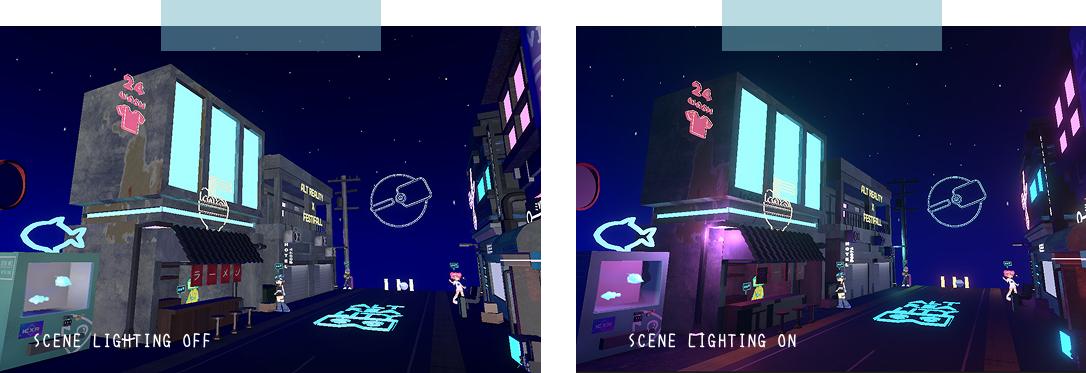
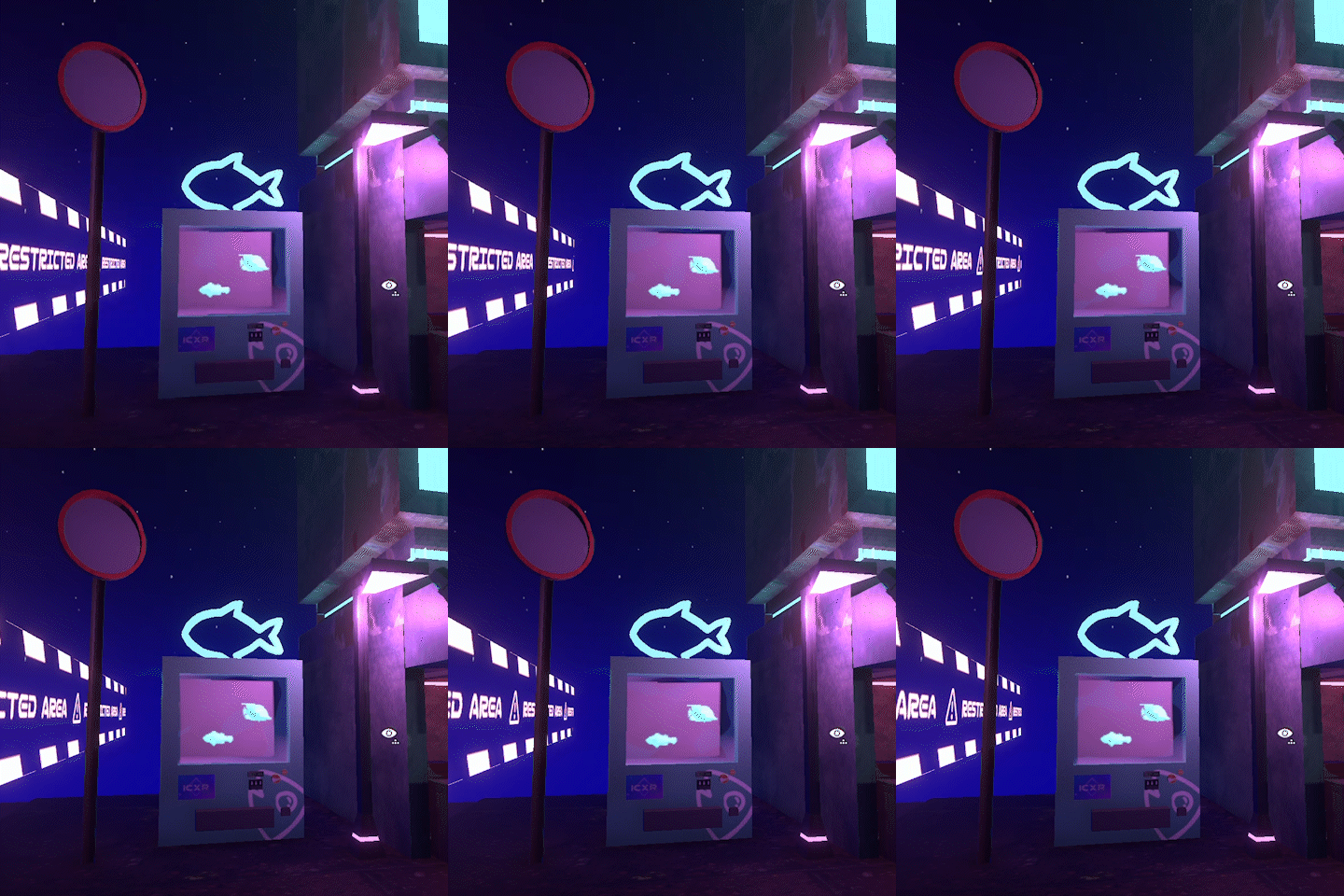
Inspired by aquarium installations where kids can color their own fish and watch them appear in a virtual aquarium on a screen, we decided to build our own version where participants can express their creativity by drawing a graffiti design and "spraying" it on our city walls. We decided on this idea because when we first started brainstorming about XR, we kept coming back to two things: the ability to step outside the rules of the physical world, and the limitless creativity that comes with creating a virtual space. Therefore, we wanted to give users the ability to create their own designs and see how it adds to the city. Visually, we leaned into a cyber-sci-fi Tokyo/Hong Kong aesthetic, with neon colors and a city that never really felt like it left 2 AM. Because hand modeling an entire city can be time consuming, we focused on just building one busy street.
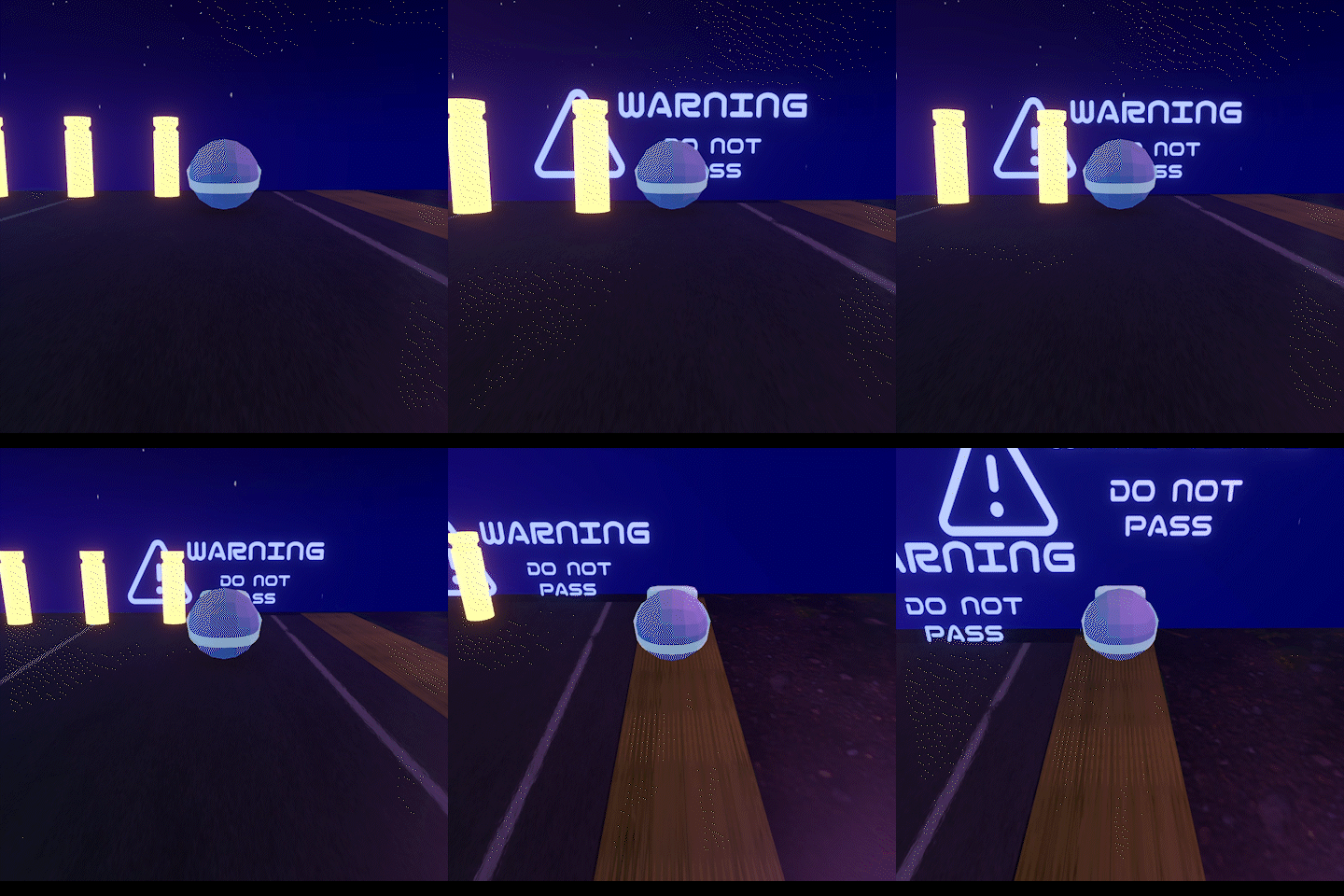
As a content consumer, I think it’s easy to overlook environmental design. However, when you're actually the one designing, there's a lot more that I realized needs to be considered to make a fictional place feel lived in. Some of the things we considered for city streets were what businesses would exist, how the characters would interact with the stores, and which world rules affect urban planning . For example, due to the energy consumption required to power this city, we reasoned that the city must have figured out some cheap way to generate energy, allowing for free charging stations to be placed around. Furthermore, thinking about the street, we filled it with living spaces and businesses. A WcDonald’s was specifically included because fast-casual food will always exist in a capitalist society! For finishing touches, we added signs and advertisements, as well as dumpsters and waste scattered throughout the street to make the city feel more lively and give the impression that people actually live and work there.
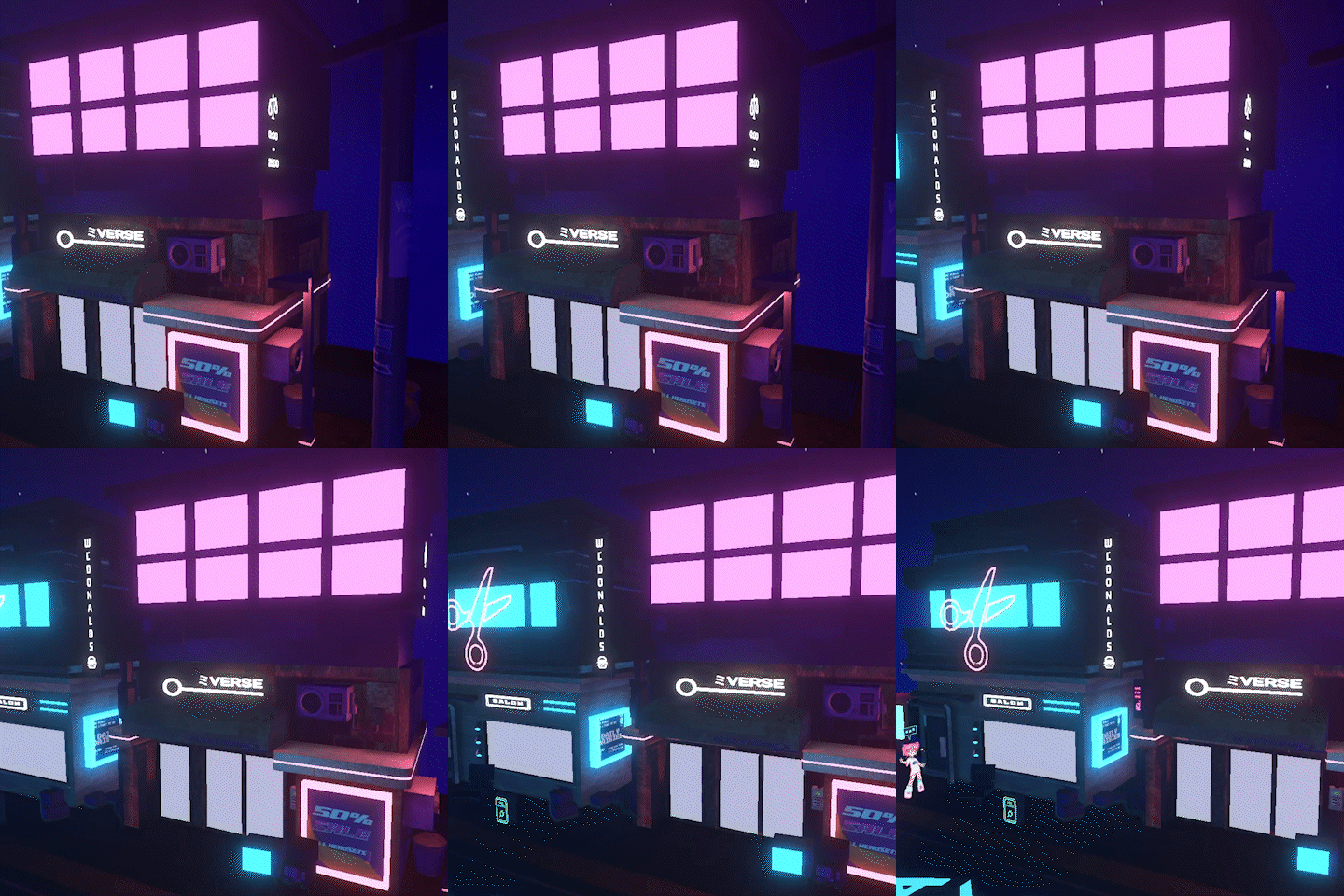
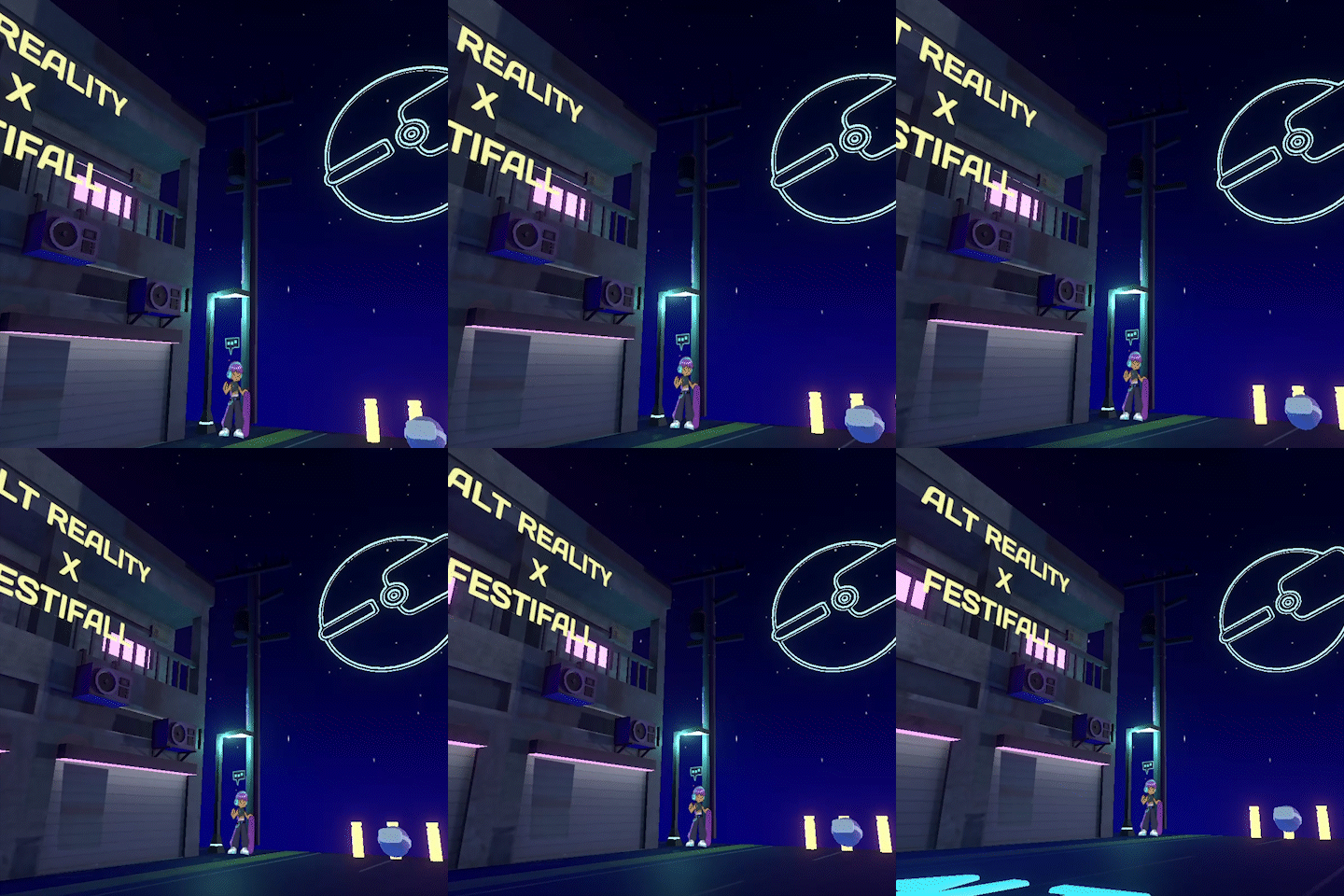
Now, with a city, of course we need people that live there. We ended up designing four characters: Jun, Lucy, Ramen, and Anton, a cool friend group that represented the kind of community we hoped new students would find when they joined the VR club.
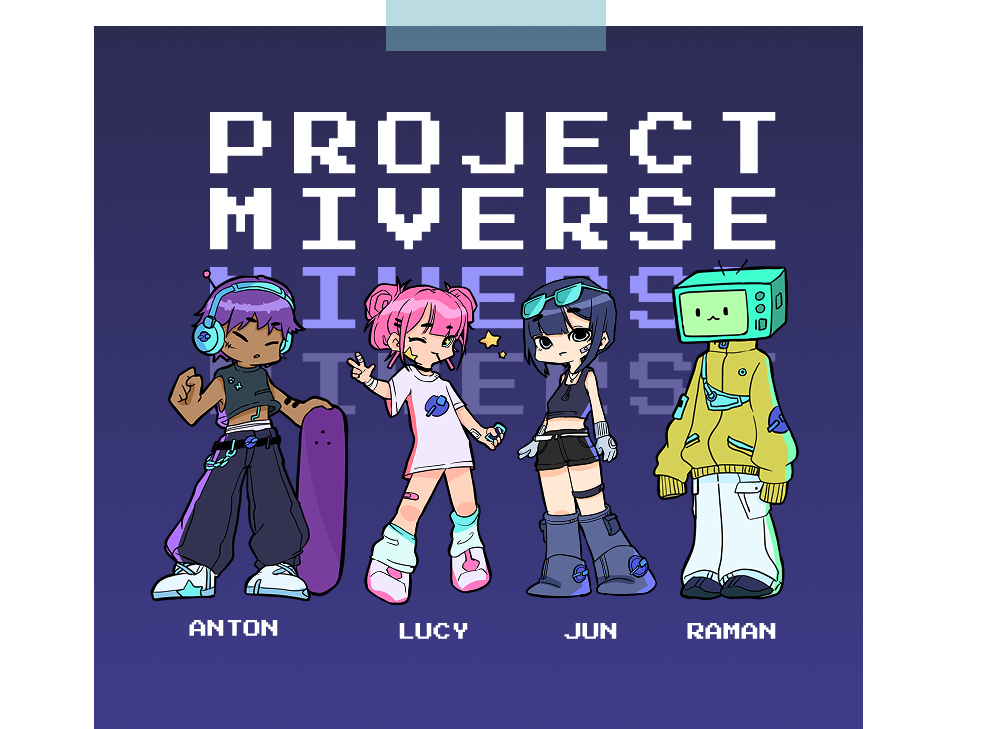
We put a lot of consideration into their designs, focusing on XR-related elements. Jun wears a pair of MR glasses, Anton has headphones for spatial audio, Ramen has a TV screen on his head for a more VR-inspired design, and Lucy is holding a phone, representing AR. All four characters have our ARI emblem (sphere with vr headset) incorporated throughout their clothing. To also make each character more memorable, we gave them a signature color.
Additionally, we decided to use a 2.5D approach for the characters, which gave them a more stylized look while saving us the time of fully modeling each character in 3D. I liked how this approach also felt like another way of combining realities, by bringing 2D illustrations into a 3D world.
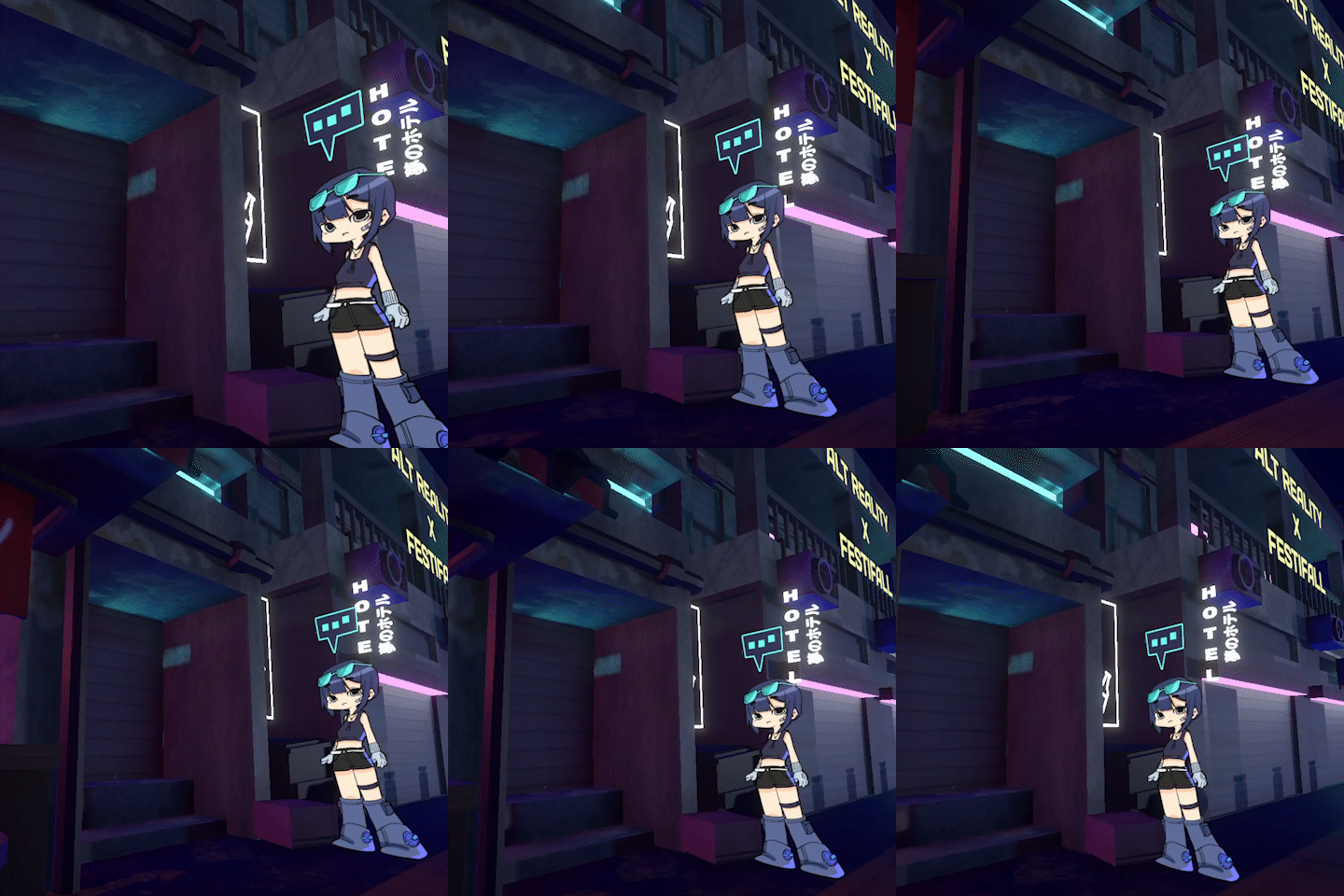
Once placed into the city, we gave each character their own topics and perspectives to share. When you talk with them, you get to learn about different aspects of XR through the context of MIVERSE, allowing the technology to be introduced naturally through conversations within the world!
Physical to Virtual Real Time Image Ingestion Pipeline
Now for the actual technical part of this project and the main point of the article!
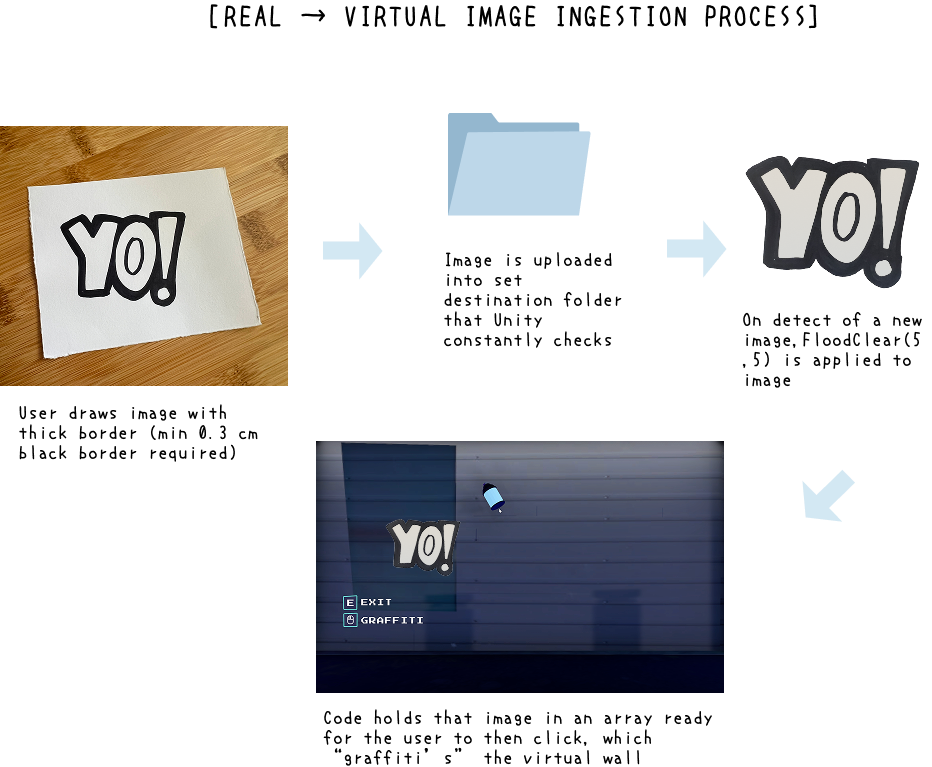
After building out the Unity world and creating the virtual wall where people could spray their "graffiti design", which they first drew on paper, we needed to figure out how to bring those drawings into the digital environment. We examined the interactive aquarium installations that inspired our original idea, where kids can color their own fish and watch them appear on a screen in a virtual aquarium. Surprisingly, the process was actually a lot more straightforward than we expected.
At the core, these setups are composed of two things: a drawn template and something that detects and uploads the drawing to the software. For example, an aquarium installation might provide a variety of fish templates for users to color in, along with a camera that scans the finished drawings and brings them into the virtual aquarium. Because each drawing follows a predefined template, the software can easily identify and extract the colored-in design and apply them as a texture onto the 3D fish.
To extract our freeform shaped participant graffiti drawings, we used a library called ProtoTurtle’s BitmapDrawing,
which extends Unity’s Texture2D class with bitmap drawing operations that aren’t available by default. ProtoTurtle adds
functions like DrawLine(), DrawCircle(), DrawRectangle(), and, most importantly for us,
FloodClear(), which uses the flood fill algorithm to make a connected region of similar-colored pixels transparent from
a starting pixel coordinate. We passed in a coordinate near the top-left corner of the paper, knowing most people would
place their graffiti drawings near the center. However, we needed a way to keep the flood fill from removing parts of
the drawings themselves. Inspired by the thick
outlines on the fish templates used in aquarium installations, we decided to have participants outline their graffiti designs
in black Sharpie. This gave the flood fill a clear boundary, allowing it to identify the surrounding white
background and make everything outside the black outline transparent.
Some experimentation was definitely required. When we took pictures of the drawings, we had to try to get the white paper background evenly colored and as close to white as possible, even though there was tolerance built in. We also found that the Sharpie border had to be at least 0.3 cm thick to provide clean detection.
Once the image was taken, we would upload it to a watched folder on the computer our MIVERSE program was running on. When the code detected a new image in the folder, it would process the image and load the texture up into the "spray can". Once the user clicks to spray, our code would spawn a plane object on the wall in MIVERSE, applying the cleaned-up texture with a transparent shader. And this whole thing ran quickly enough so that drawings appeared in real time!
And so, with everything ready to go, it was time for Festifall...
Festifall and What I Overlooked
When Festifall finally came around, I was really excited to show everything off. Our booth was set up with our banner, required candy to give away, and MIVERSE was running at maximum brightness on my computer with the paper and markers we prepared on the side.
However, I completely overlooked one thing: no one had time to stop and draw.
Students were constantly moving between booths, and usually, people only had enough time for a quick introduction to the club and a short interaction with moving the ARI characters in the MIVERSE world. The entire interactive drawing and scanning component we had spent time on never actually got used, which was a little unfortunate.
Still! I think it was really fun to try out and work on something that I thought was cool and had never understood before. Thankfully, MIVERSE at least lived on after by becoming our main club branding. We ended up using it as the foundation for the beginner Unity and Blender workshops I ran for new club members, since it gave us a cool world to teach development content in!
And I do think it really did give us a much stronger start in terms of club membership that year. I don’t have the exact signup statistics, but our first meeting room was packed.
But I think the main takeaway from this project is about designing experiences. A feature can work exactly as intended but still fail if it doesn’t fit the context in which people are using it. You have to consider the entire experience, not just whether the feature itself works :>